Xchieve Platform
Welcome back
Sign in to continue your learning journey.
Xchieve Platform
Welcome back
Sign in to continue your learning journey.
AutoCAD & CAD Design – Xchieve
HAL_GPIO_WritePin(GPIOA, GPIO_PIN_5, GPIO_PIN_SET); HAL_Delay(500); HAL_UART_Transmit(&huart2, data, len, HAL_MAX_DELAY); xTaskCreate(vSensorTask, "Sensor", 256, NULL, 2, &sensorHandle); xQueueSend(xQueue, &msg, portMAX_DELAY); vTaskDelay(pdMS_TO_TICKS(100)); always @(posedge clk) begin if(reset) state <= IDLE; else state <= next_state; end // FSM Verilog RTL synthesis Revit.Wall(type="Basic-200mm", height=3000); LoadFamily("M_Door-Single"); ClashDetection.Run(model_arch, model_mep); Sheet.PlaceView(FloorPlan_L01); SPI_HandleTypeDef hspi1; HAL_SPI_TransmitReceive(&hspi1, txBuf, rxBuf, 4, 1000); TIM_OC_InitTypeDef sConfig; HAL_TIM_PWM_Start(&htim1, TIM_CHANNEL_1); Fusion360.Sculpt.PullFace(offset=12); GenerativeDesign.run(loads, constraints, material="Al6061"); CAM.setupMilling(tool="6mm_endmill", rpm=8000); Civil3D.Alignment.createHorizontal(PI_list); Corridor.addRegion(baseline, assembly); ProfileView.generate(surface, alignment); Sheets.export(PDF, ISO_A1);
Govt. Recognised 📐 Industry-Integrated LIVE
📐 AutoCAD & CAD Design Bootcamp

AutoCAD & CAD Design

From Virtual Machines to Multi-Cloud Architecture — Master AWS, Azure & GCP and Land Roles at Top Tech Companies

4.9 / 5 Rating
By 3,200+ learners
Live Bootcamp
Included in course
🗓️
16 Weeks Online
Flexible schedule
100% Placement
Career guaranteed
AM
Lead Instructor Anjali Mishra
AutoCADSolidWorksRevitCATIA3ds Max
🎯 Beginner to Job-Ready · Basic drawing or design knowledge helpful, not required
Certified By
🏅 Skill India 🏛️ NSDC ⚖️ MCA Govt. ISO Certified
Our Alumni Hired At
L&T Engineering Autodesk Dassault Systèmes Tata Consulting Engineers Siemens Jacobs Engineering Infosys Wipro Bentley Systems Tata Elxsi
📐
Your career in CAD & design engineering starts here.
Join thousands who already made the leap —
your dream design engineering role is one course away
Job-Ready Mentor-Led Certified

Course Fee

₹12,999 Today only

₹33,000   Save ₹20,001/-

4.9/5 3,200+ learners
  • 🕐 16 Weeks Online Programme
  • 💼 100% Placement Assistance
  • ☁️ Live Cloud Labs on AWS, Azure & GCP
Enroll Now → Enquire Now View Course Brochure Connect with our team
🎓Placement Assistance ☁️Live CAD Project Labs 🏆Govt. Certified Live Bootcamp 🌐AWS & Azure Labs 🔧Kubernetes & Docker 🎯1-on-1 Mentorship 💼Career Guidance 📜Industry Certificate 🎓Placement Assistance ☁️Live CAD Project Labs 🏆Govt. Certified Live Bootcamp 🌐AWS & Azure Labs 🔧Kubernetes & Docker 📜Industry Certificate
Course Benefits

Why Choose This Course?

Get more than just education — join a comprehensive learning experience engineered for your success in the hybrid & electric vehicle industry

Industry-Recognized Certificate
Get a verified certificate upon completion that's recognised by top engineering & architecture firms including L&T, Autodesk, and Siemens.
Real CAD Software Labs
Hands-on practice with AutoCAD 2D/3D, SolidWorks, Revit BIM, CATIA, Fusion 360, and industry-standard drawing and modelling workflows.
Career Assistance
Get targeted career guidance, CAD-specific resume reviews, and interview preparation from senior design engineers and architects.
Global Community
Join thousands of design engineers worldwide and network with professionals from top engineering consultancies and architecture firms.

Trusted by Industry Leaders

Our curriculum is designed in alignment with top engineering firms and Autodesk to ensure you learn the most in-demand CAD & design skills

Amazon
Google
Microsoft
IBM
Bosch

Reviews from Students

Don't just take our word for it — hear what our students have to say about their Hybrid & Electric Vehicles learning experience

★★★★★4.9/5 from 3,200+ students
AP
Pooja Sharma
Mechanical Design Engineer
L&T Engineering
★★★★★

"The AutoCAD and SolidWorks modules are phenomenal! The depth of coverage on 2D drafting, 3D part modelling, assembly constraints, and GD&T tolerancing is unmatched. The hands-on project labs truly prepared me for production design work. I landed my Mechanical Design Engineer role at L&T within 5 weeks of completing this programme."

VK
Rahul Desai
BIM Coordinator
Jacobs Engineering
★★★★★

"The Revit BIM and AutoCAD Civil 3D sections were incredibly detailed. The parametric family creation, clash detection, and coordination model workflows gave me a massive edge in interviews. The MEP integration and Navisworks clash detection module alone is worth the entire course fee."

MJ
Neha Joshi
Product Design Engineer
Siemens
★★★★

"Outstanding coverage of CATIA V5, surface modelling, and sheet metal design. The parametric modelling approach and real-world assembly design labs are exactly what top manufacturing companies look for. The mentor support throughout the bootcamp was excellent!"

4.9/5
Average Rating
97%
Success Ratio
100%
Career Support
3.2k+
Success Stories
Course Content

Course Curriculum

A comprehensive learning path from 2D drafting fundamentals to advanced 3D modelling, BIM, and industry-ready design workflows

50 Modules 200 Lessons 16 Weeks
  • What is Cloud Computing? IaaS, PaaS, SaaS
  • Public, Private & Hybrid Cloud Models
  • Virtualisation & Hypervisors
  • Cloud Economics & Pricing Models
  • Regions, Availability Zones & Edge Locations
  • Well-Architected Framework Overview
  • EC2, Auto Scaling & Elastic Load Balancing
  • S3, Glacier & EFS Storage Solutions
  • VPC, Subnets, Security Groups & NACLs
  • RDS, DynamoDB & ElastiCache
  • Lambda & API Gateway — Serverless
  • IAM Roles, Policies & Best Practices
  • CloudWatch, CloudTrail & Config
  • Route 53 & CloudFront CDN
  • SQS, SNS & EventBridge
  • Project: Highly Available 3-Tier Web App on AWS
  • Azure Virtual Machines & Scale Sets
  • Azure Blob Storage & Azure Files
  • Azure Virtual Network & ExpressRoute
  • Azure SQL & Cosmos DB
  • Azure Functions & Logic Apps
  • Azure Active Directory & Entra ID
  • Azure Monitor & Application Insights
  • Project: Enterprise App Deployment on Azure
  • Google Compute Engine & App Engine
  • Google Cloud Storage & BigQuery
  • Cloud Run & Cloud Functions
  • GKE — Google Kubernetes Engine
  • Pub/Sub & Dataflow
  • Cloud IAM & Security Command Center
  • Project: Data Pipeline on GCP
  • Docker Architecture & Core Concepts
  • Dockerfile Best Practices & Layering
  • Docker Compose for Multi-Container Apps
  • Container Registries (ECR, ACR, GCR)
  • Container Networking & Volumes
  • Security Scanning & Image Hardening
  • Project: Microservices App with Docker
  • Kubernetes Architecture — Master & Nodes
  • Pods, Deployments, Services & Ingress
  • ConfigMaps, Secrets & Persistent Volumes
  • Helm Charts & Package Management
  • Horizontal Pod Autoscaling
  • RBAC & Network Policies
  • EKS, AKS, GKE Managed Clusters
  • Service Mesh with Istio
  • Project: Production-Ready K8s Cluster
  • IaC Concepts & Declarative vs Imperative
  • Terraform HCL — Resources, Variables & Outputs
  • Terraform State Management & Remote Backends
  • Modules & Workspaces
  • AWS CloudFormation & CDK
  • Ansible for Configuration Management
  • Project: Full Multi-Tier Infra with Terraform
  • DevOps Culture & CI/CD Principles
  • GitHub Actions — Workflows & Runners
  • Jenkins Pipelines & Plugins
  • AWS CodePipeline & CodeBuild
  • Azure DevOps Pipelines
  • GitOps with ArgoCD & Flux
  • Blue-Green & Canary Deployments
  • Project: Full Automated Deployment Pipeline
  • Shared Responsibility Model
  • Zero Trust Architecture
  • Encryption at Rest & In Transit
  • Cloud SIEM & Threat Detection
  • GDPR, SOC2 & ISO 27001 Compliance
  • Project: Secure Cloud Architecture Design
  • Reserved Instances & Savings Plans
  • Spot Instances & Preemptible VMs
  • Right-Sizing & Auto Scaling Strategies
  • AWS Cost Explorer & Azure Cost Management
  • FinOps Framework & Chargeback Models

How will your training work?

Follow our structured learning path designed to take you from basic drafting to professional 3D modelling and BIM through live software labs and expert design engineering mentorship.

Step 01
Learn Concepts
Go through training videos covering AutoCAD, SolidWorks, Revit, CATIA, and Fusion 360 at your own pace with expert design engineering instructors.
Step 02
Test Yourself
Test your knowledge through module quizzes, design drawing challenges, and Autodesk certification-style practice exams.
Step 03
Live CAD Project Labs
Work on real projects using AutoCAD, SolidWorks, Revit, and CATIA. Build complete 2D drawing sets, 3D assemblies, and BIM models.
Step 04
1:1 Doubt Solving
Get your AutoCAD, SolidWorks, and Revit design doubts resolved by senior CAD engineers and architects through the Q&A portal within 24 hours.
Step 05
Take Final Exam
Complete your capstone multi-software design project and full drawing package and final exam to validate your CAD & design engineering expertise.
Step 06
Get Certified
Earn your professional AutoCAD & CAD Design certification upon successful completion and placement support begins immediately.

Ready to Start Your CAD Design Journey?

Join thousands of students who have successfully completed our programme and landed roles at top engineering consultancies and design firms.

Self-paced learning Expert support Live CAD project labs
Enroll Now — ₹12,999 →
Professional Certifications

Industry-recognized & Government Approved Certificates

Verified certificates recognised by engineering firms and Autodesk-certified industry leaders and government bodies — the proof employers demand.

🏛️
Government
Skill India Certificate
Nationally recognised certificate issued under Skill India — Ministry of Skill Development & Entrepreneurship.
NSDC ApprovedGovt. Backed
🎓
Industry
NSDC Certification
National Skill Development Corporation certified course completion, trusted by top engineering consultancy and design firm employers across India.
Industry-RecognizedPan India
Quality
ISO Certified Program
Our AutoCAD & CAD Design training programme is ISO 9001:2015 certified, ensuring internationally recognised quality standards.
ISO 9001:2015Global Standard
⚖️
Legal
MCA Govt. Approved
Ministry of Corporate Affairs approved certification that adds legal validity to your professional CAD & design engineering profile.
MCA VerifiedCorporate Valid
Xchieve vs Others

Why Choose Xchieve Over Others?

Compare our comprehensive Cloud Computing learning experience with other popular platforms. See why thousands choose Xchieve for their CAD design career.

Features
⭐ Best Value
Xchieve
Coursera
Udemy
edX
Government Certified Courses
NSDC & Skill India certified programs
100% Career Assistance
Full placement & career support
Live AutoCAD & 3D Modelling Labs
Real AutoCAD, SolidWorks & Revit project environments
Live 1:1 Mentorship
Personal mentor from design & engineering industry
Lifetime Course Access
Access all course materials forever
24/7 Doubt Support
Round-the-clock technical assistance
Resume & Interview Prep
CAD & design-specific career preparation
AI-Powered Learning Path
Personalised curriculum based on career goals
Premium Community Access
Exclusive CAD & design engineer network
Overall Score
9/9 ✦
4/9
3/9
3/9
Xchieve
⭐ Best Value
9 / 9 ✦
Government Certified Courses
100% Career Assistance
Live AutoCAD & 3D Modelling Labs
Live 1:1 Mentorship
Lifetime Course Access
24/7 Doubt Support
Resume & Interview Prep
AI-Powered Learning Path
Premium Community Access
Coursera
4 / 9
Government Certified Courses
100% Career Assistance
Live AutoCAD & 3D Modelling Labs
Live 1:1 Mentorship
Lifetime Course Access
24/7 Doubt Support
Resume & Interview Prep
AI-Powered Learning Path
Premium Community Access
Udemy
3 / 9
Government Certified Courses
100% Career Assistance
Live AutoCAD & 3D Modelling Labs
Live 1:1 Mentorship
Lifetime Course Access
24/7 Doubt Support
Resume & Interview Prep
AI-Powered Learning Path
Premium Community Access
edX
3 / 9
Government Certified Courses
100% Career Assistance
Live AutoCAD & 3D Modelling Labs
Live 1:1 Mentorship
Lifetime Course Access
24/7 Doubt Support
Resume & Interview Prep
AI-Powered Learning Path
Premium Community Access
Your Credentials

Certificates You'll Earn After Completing the AutoCAD & CAD Design Program

Earn verified credentials that showcase your CAD & design engineering expertise to employers worldwide.

1
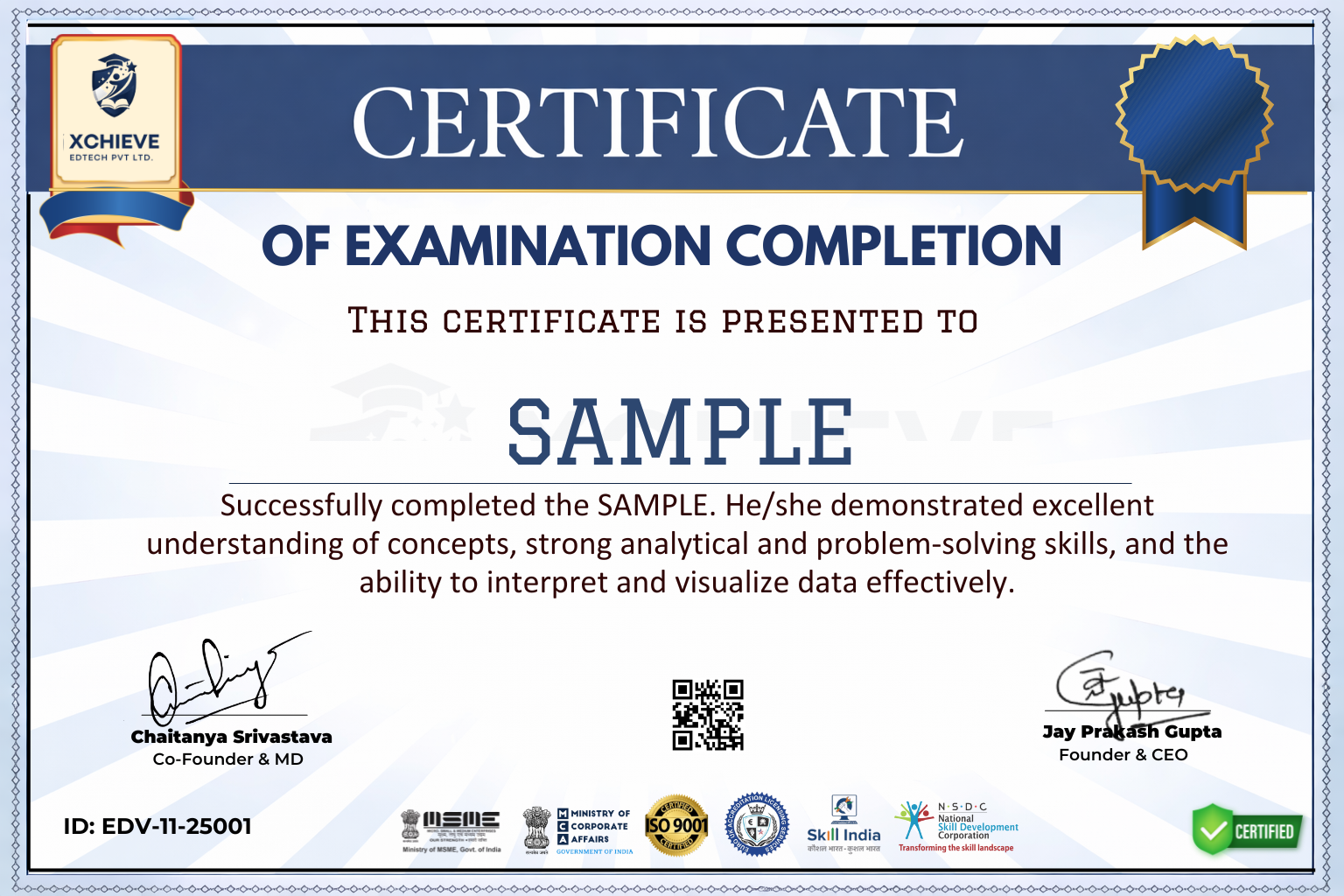
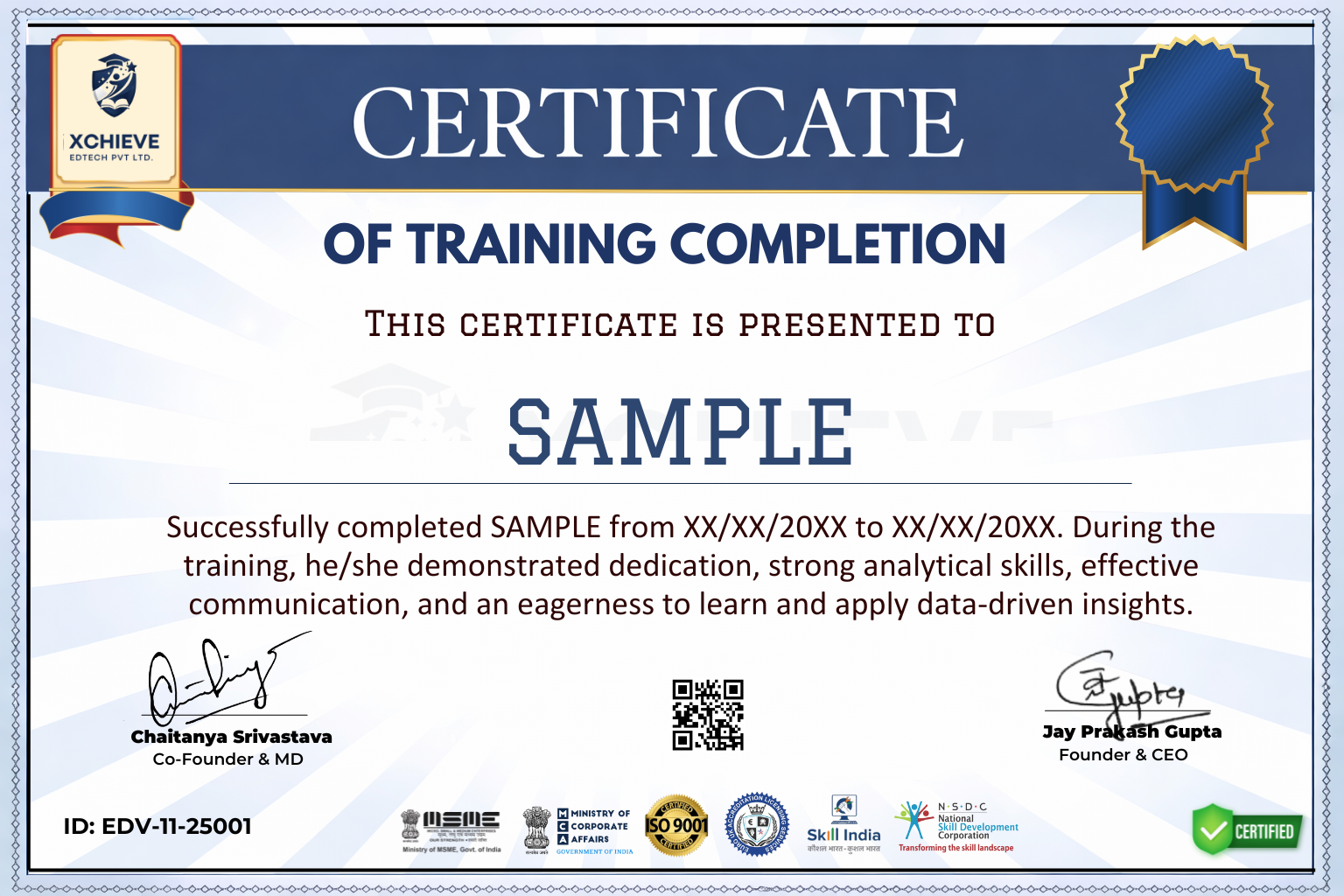
Course Completion Certificate
Acknowledge your hard work with a certificate from Xchieve upon successfully finishing the AutoCAD & CAD Design programme.
2
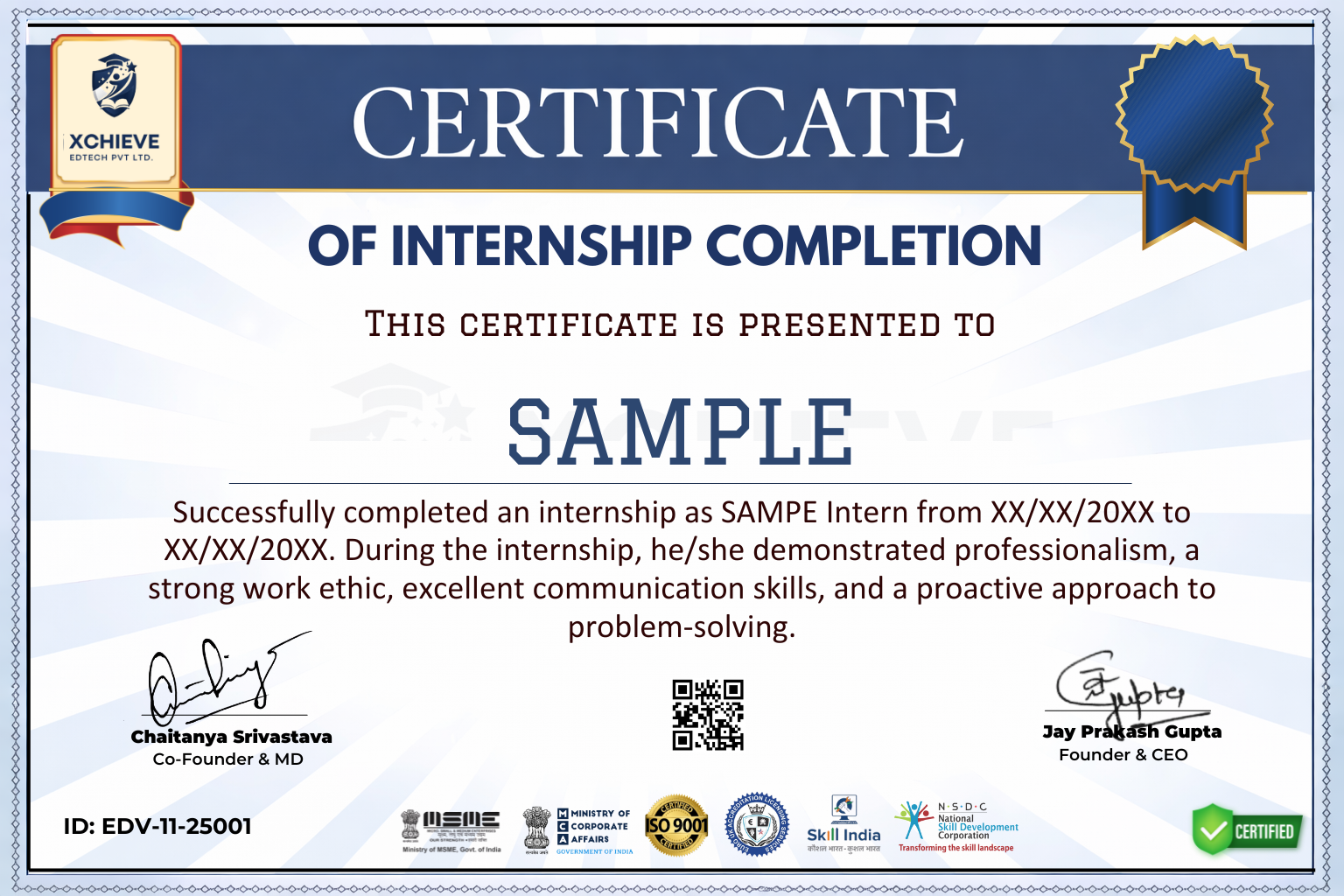
Internship Certificate
After completing a hands-on CAD design internship, you will receive an official certificate from Xchieve and top-tier institutions.
3
Industry Certificate
Earn a prestigious industry certificate from well-known engineering consultancies and design firms as recognition of your practical CAD & design expertise.
4
Government Recognized Certificate
Receive NSDC & Skill India certified credentials backed by the Government of India's Ministry of Skill Development.
🏛️ Govt. Approved
ISO Certified
🎓 NSDC Backed
⚖️ MCA Verified
Flexible Pricing

Pick the Plan That Launches Your Career

One-time payment. Lifetime access. Industry-recognised certificates included in every plan.

● StarterSave 50%
Self Paced Program
Study at your own speed
5,999
/course  ·  ₹11,999
What's included
  • AutoCAD & CAD Design Video Lectures
  • Industry-Based Projects
  • Industry Graded Certificates
  • Doubt Clearing Sessions
  • Quiz & Assessments
  • Personal Dashboard
  • Placement Assistance
  • AI Mock Interview Portal
  • 1-on-1 Career Counselling
⭐ Most PopularSave 50%
Mentor-led Program
Live guidance from cloud experts
8,999
/course  ·  ₹17,999
🎉 Early bird price applied!
What's included
  • AutoCAD & CAD Design Video Lectures
  • Industry-Based Projects
  • Industry Graded Certificates
  • Doubt Clearing Sessions
  • Quiz & Assessments
  • Personal Dashboard
  • Resume Building
  • AI Mock Interview Portal
  • Placement Assistance
  • 1-on-1 Career Counselling
● Premium 🏆 Best Value
SAVE 50%
Career Edge
Everything you need to get hired
12,999
/course  ·  ₹25,999
🎉 Extra early bird discount!
Everything included
  • AutoCAD & CAD Design Video Lectures
  • Industry-Based Projects
  • Industry Graded Certificates
  • Doubt Clearing Sessions
  • Quiz & Assessments
  • Personal Dashboard
  • Resume Building
  • Personality Development
  • Optimize Your LinkedIn
  • AI Mock Interview Portal
  • Placement Assistance
  • 1-on-1 Career Counselling
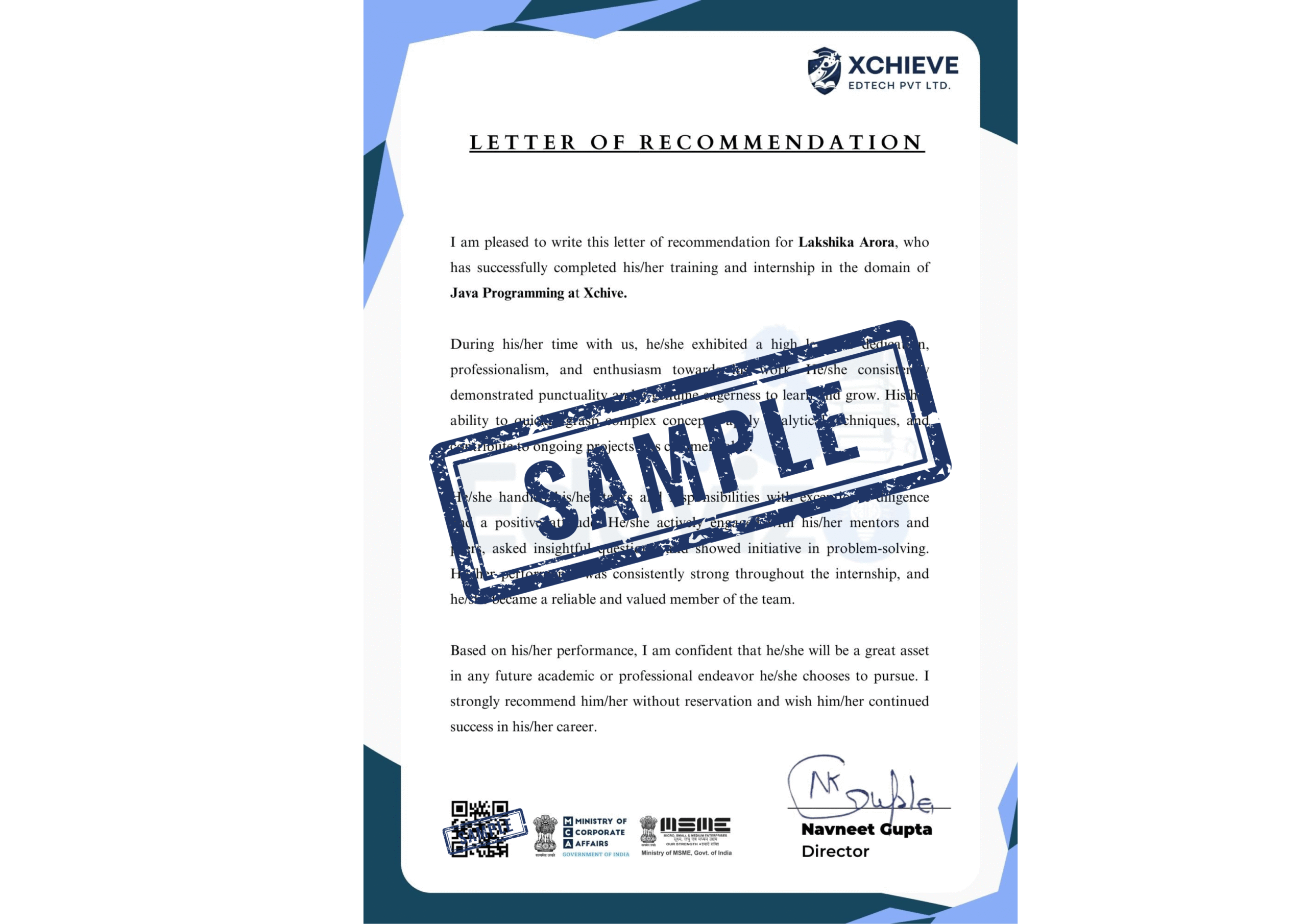
  • Internship Guarantee Letter
  • Priority Job Referrals
🔒 Secure Payment ⚡ Instant Access ♾ Lifetime Updates 💬 24/7 Support
Got Questions?

Frequently Asked Questions

Everything you need to know before you enrol in our AutoCAD & CAD Design course. Can't find your answer? Reach out to us anytime.

Do I need prior programming or IT knowledge before joining?+
Basic computer knowledge is helpful but not mandatory. Our course starts from basic drafting fundamentals and progressively builds up to advanced 3D modelling, BIM, and multi-software workflows. Students from Mechanical, Civil, Architecture, and even non-technical backgrounds have successfully completed this programme.
Will I get access to real CAD software like AutoCAD, SolidWorks, and Revit?+
Yes! All enrolled students get guided access to AutoCAD, SolidWorks, and Revit through student/trial licensing and virtual lab environments. Premium and Career Edge plan students also receive full Autodesk software access for 1 year.
Is there a pre-registration option available?+
Yes, you can pre-register to lock in the early bird pricing before the next cohort begins. Pre-registered students are first to get access when the batch opens and receive exclusive onboarding resources including AutoCAD command cheat sheets and CAD drawing standard reference guides.
What is the refund policy?+
Our courses are crafted with care and commitment, and as such, we do not offer refunds. We believe in the value and quality of our educational services and encourage you to attend a free demo session before enrolling.
What roles can I target after completing this AutoCAD & CAD Design course?+
Graduates from our programme have landed roles as Mechanical Design Engineer, CAD Draughtsman, BIM Coordinator, Structural Draughtsman, Product Design Engineer, and CAD Manager at companies like L&T Engineering, Autodesk, Siemens, Jacobs Engineering, Tata Consulting Engineers, Bentley Systems, Tata Elxsi, and Wipro.
What are the timings of the live sessions?+
Live mentor sessions and bootcamp classes are scheduled after 6 PM on weekdays to suit working professionals and college students. Recordings are available within 24 hours for those who miss a session.
Support Available 24/7
Still have questions?
Our expert CAD design team is here to help — reach out anytime via chat, WhatsApp, or a free counselling call.
Free counselling call with CAD design expert
14,000+ community members
No obligation to enroll
Average response time
Under 2 hours
Active community
14,000+ members
Xchieve Footer